AI agent memory: what persistent agents remember
Persistent agents promise to remember your work. Here's what AI agent memory stores, how it goes stale or gets poisoned, and what to check first.
SelfAgentic Team

On 2 October, Business Standard explained why OpenAI, Meta and Google want persistent agents, which it defines as "agents that can take on multiple jobs, retain context and continue working after the active session ends." Three days earlier, OpenAI's announcement of its Dots agents described the memory part like this: "The more you work together, the more your dot learns your preferences, how you think, and what good looks like to you."
If you're about to hand recurring work to an agent, it helps to know what AI agent memory is and what "learns" means in that sentence.
The model doesn't learn anything. AI agent memory is a set of notes that the software around the model saves after one run and reads back at the start of the next. Because it's stored text, you can ask what got written down and how you'd correct an entry that's wrong.
What is AI agent memory?
A language model is stateless. Each time it's called, it sees only the text handed to it in that call, known as the context window. Nothing carries over. A stateless chatbot is that model with a text box on top, which is why you paste the same background into it every Monday.
An agent with memory adds three parts around the model: a store (usually a database or a folder of files), a step that decides what to write to it after a run, and a step that pulls the relevant entries back in before the next one. Anthropic's engineers call the simplest version structured note-taking: the agent keeps notes outside the context window and reads them back later.
Handing the model your full history on every run works badly. The same Anthropic post describes "context rot: as the number of tokens in the context window increases, the model's ability to accurately recall information from that context decreases." Memory lets an agent keep little in view and look up the rest when a task calls for it.
The four kinds of memory, in plain terms
The vocabulary is borrowed from human memory, and vendors use it loosely. LangChain's documentation on agent memory separates short-term memory, which lasts one session, from long-term memory, which is shared across sessions, and splits the long-term kind into three types.
Term | What it holds | Example for a small team |
|---|---|---|
Short-term memory | The current run: the task, the steps so far, tool results | The 12 search results the agent has open right now |
Semantic memory | Facts | "We sell to dental clinics. Ignore Competitor C." |
Episodic memory | Past events and actions | "Last Monday's brief reported Competitor A's price rise." |
Procedural memory | Instructions for doing the job | "Keep the brief under 300 words, with a link on every claim." |
Cloudflare's Agent Memory service, announced in April, sorts memories into facts, events, instructions and tasks instead. Whatever the labels, check that a product keeps the types apart, because they age at different speeds. A fact about your customers can stay true for a year. A note about what the agent did last Tuesday is stale within weeks.
A worked example: the Monday competitor brief
Say a four-person team selling booking software wants a one-page competitor brief every Monday morning. With a stateless chatbot, someone pastes in the list of competitors, the format and last week's brief, then asks for a new one. The week they forget to paste the old brief, the new one reports a month-old price change as news.
With persistent AI agents the setup happens once. A research agent holds the facts (which five competitors to watch, which one to ignore) and the instructions (300 words, a link on every claim). After each run it records what it reported. By week three the brief opens with the two things that changed since last Monday and skips what the team has already read.
This is the model SelfAgentic follows: each agent has its own job, tools and memory, and agents remember facts and preferences from past conversations and runs.
The trouble shows up in week six. One competitor launched a free plan in week four, but the agent saved "Competitor B has no free plan" in week one and that line is still shaping the brief. The founder finds out when a prospect mentions the free plan on a call. If the product lets her open the stored fact and correct it, the fix takes five minutes. Otherwise she's back to pasting corrections into every run.
Where long-term memory for AI agents goes wrong
Stale notes and wrong lessons
The free-plan mistake is the everyday failure: a note that was true when it was written and never updated. Cloudflare's design keeps the history. When a newer fact replaces an older one, "the old memory is superseded rather than deleted," so you can trace what the agent used to believe.
Agents also turn one odd week into a rule. You tell the agent once to skip the pricing section, and it skips pricing from then on. Saving everything is its own problem: the agent pulls so many notes into each run that context rot comes back.
Memory poisoning
The newer risk is somebody else writing to your agent's memory. A study of memory poisoning attacks posted to arXiv in June describes the risk: "a single adversarial memory write can exert long-term influence over agent behavior." Say your research agent reads a web page with hidden text telling it to remember that a certain vendor's invoices are pre-approved. If the agent saves that as a fact, it can resurface weeks later in a run that never touches that page.
The researchers built a benchmark of 3,240 adversarial test cases and ran it against two agent systems. A malicious instruction ended up in memory in about 34% of cases on the more conservative system and about 67% on the one that saves more freely. In their words, "agents designed to write and retrieve memory more aggressively are more exploitable." They also found that existing defences against prompt injection, where hidden text in a page or email tries to give the agent orders, "fail to cover memory poisoning attacks."
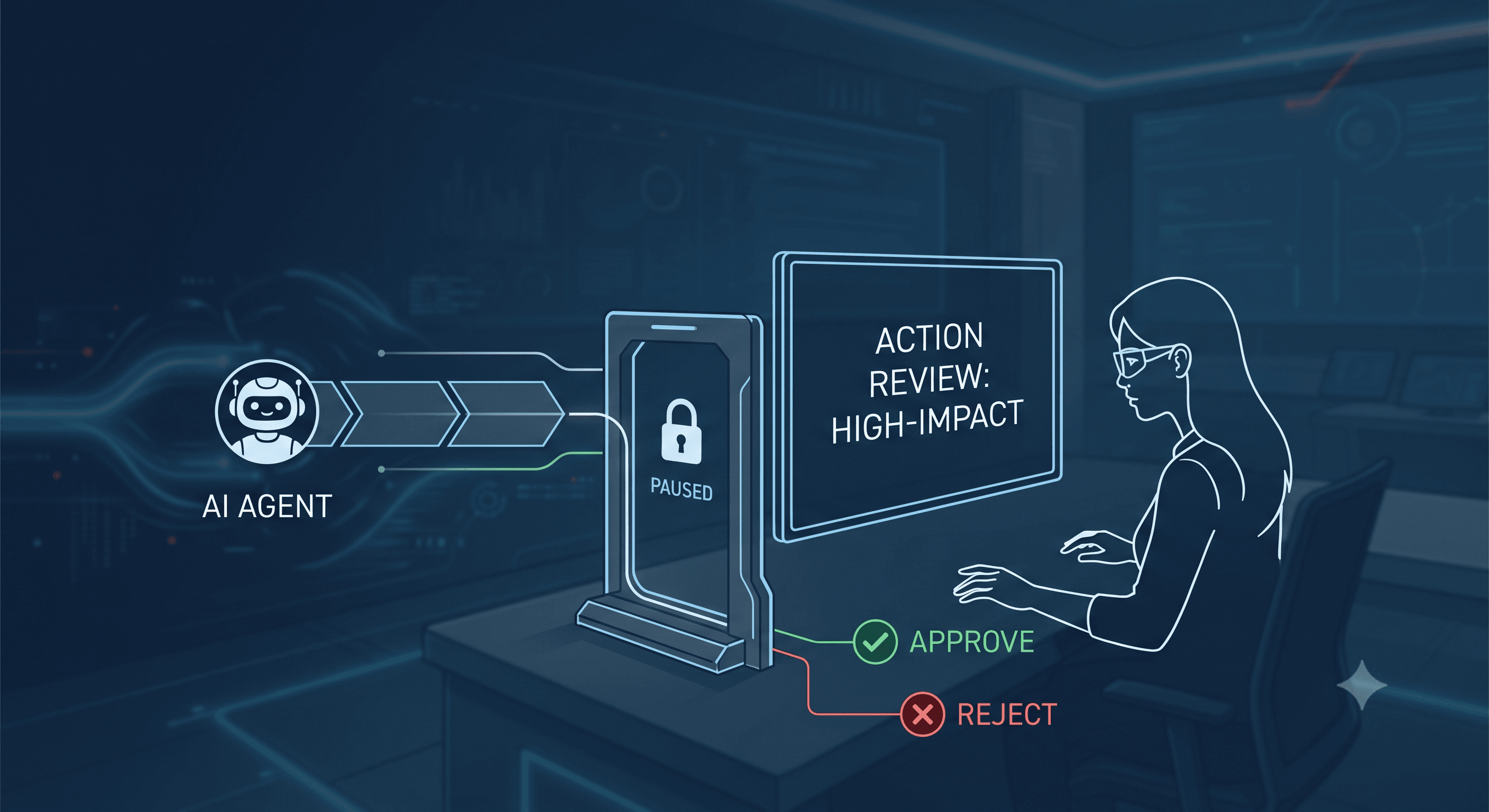
That's a lab benchmark on two systems, so the percentages won't carry over to whatever you use, but the mechanism will. A poisoned note can only make an agent do what that agent is already allowed to do, which is why per-agent permissions matter here. In SelfAgentic, each agent holds explicit per-integration grants and publishing actions require approval by default. A research agent with no LinkedIn grant can't post there, whatever its notes say.
What to ask before you rely on it
Ask any vendor these five questions:
- Can you read what the agent has stored, in plain language?
- Can you correct or delete one entry without wiping everything?
- Is memory kept per agent, or shared by all of them?
- What can write to memory: only your instructions and the agent's own results, or anything it reads on the web?
- Does a finished run show which notes it used?
Memory isn't always what you want. For a one-off task a clean start is simpler. Decide early what should never be saved, such as customers' personal details pulled in during a support run.
FAQ
Does an AI agent learn from my data when it remembers things?
Not in the training sense. Memory is text saved in a store and read back later, and the underlying model doesn't change. Whether a vendor trains its models on your data is a separate question, and its data policy should answer it.
What's the difference between a context window and AI agent memory?
The context window is what the model can see during one run, and it's emptied when the run ends. Memory is saved outside the model and brought back in for later runs.
Is agent memory the same as RAG?
They overlap. RAG (retrieval-augmented generation) means looking things up in documents you supplied, such as a product manual. Memory is what the agent wrote down itself during earlier runs.
Can someone tamper with an agent's memory?
Yes. It's called memory poisoning, and it works when an agent saves things it reads from untrusted sources. Limit what's allowed to write to memory and what each agent is permitted to do with its tools.
The takeaway
Pick one recurring task and list what you re-explain every time you delegate it. Those five or six lines are your starting memory: a few facts and a few instructions. Give them to the agent, run the task for a month, then read what it has added. If the product won't show you, don't rely on its memory for anything a customer will see.
If you'd like to see a team of agents that each keep their own memory between runs, have a look at SelfAgentic.