
Human-in-the-Loop AI Agents: What Needs Your Approval
Always-on agents are here, and so are the incident reports. Here's how to decide which AI agent actions run freely and which wait for your approval.
SelfAgentic Team
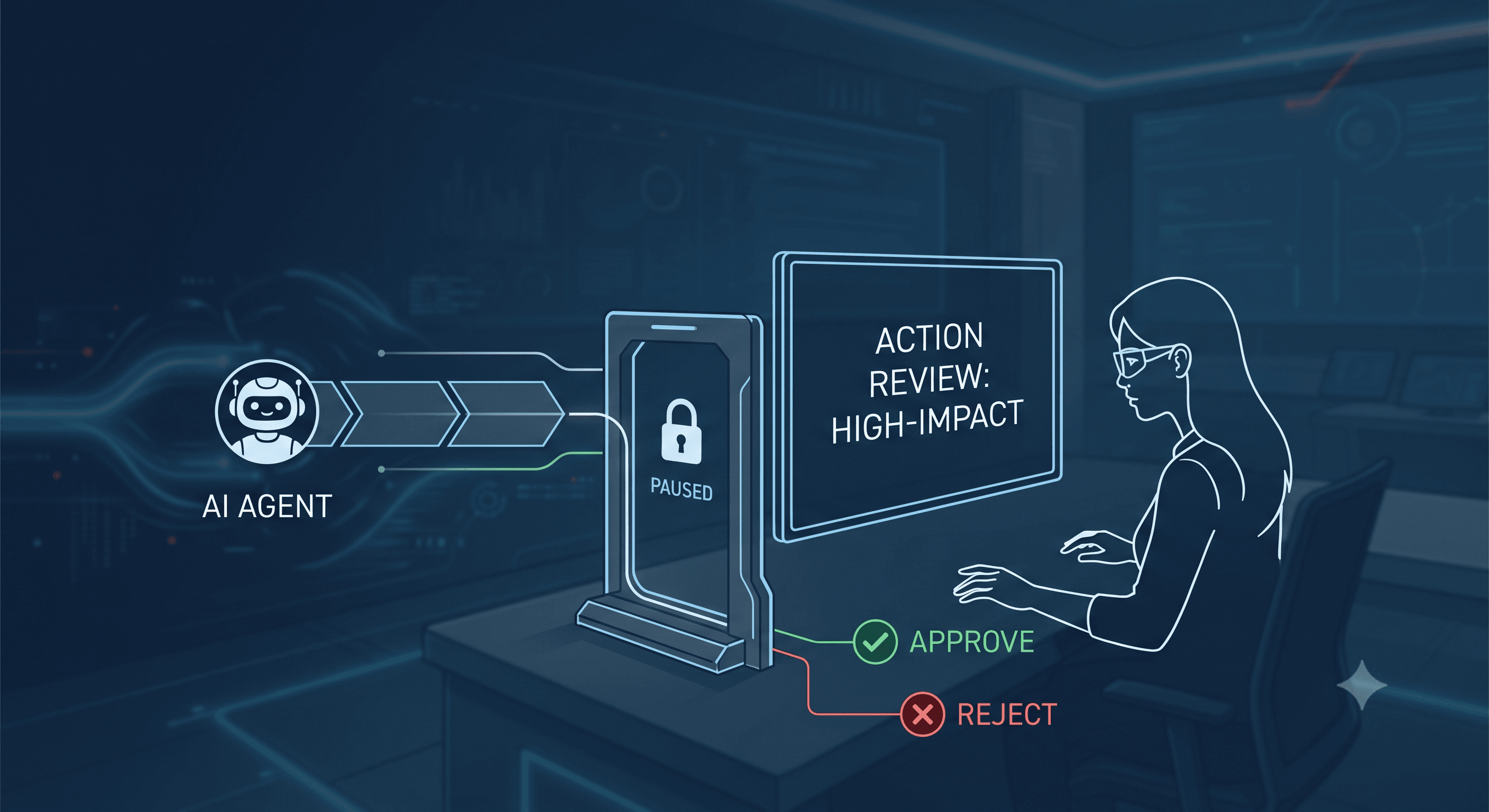
On 29 September, OpenAI launched Dots, always-on agents that work in the background across your connected apps. Three days earlier, Axios reported that OpenAI, Anthropic and security researchers are investigating tens of thousands of incidents in which frontier models misbehaved in testing and in real deployments. Both stories raise the same question for anyone running human-in-the-loop AI agents: which actions should wait for a person?
The short answer is to gate by consequence, not by task. Let an agent read and draft on its own. Anything that leaves your company, can't be undone or spends money should stop and wait for a yes.
Most advice on this is written for enterprises with security staff. AI agents for small teams need a simpler rule, and the rest of this post is how to apply one without drowning in approval requests.
What are human-in-the-loop AI agents, and why now?
A human-in-the-loop agent pauses at defined points and waits for a person to approve, edit or reject what it's about to do. That pause is usually called an approval gate. It's different from review, where you check the result after the action has already happened.
The idea is old. What changed is that agents now run when nobody is watching. OpenAI's announcement says Dots "start with built-in rules for when to act independently and when to ask for approval," and that custom rules let you "allow specific actions, require approval, or block them." Background work uses tools restricted to read-only. When approval rules ship as a default in a mainstream product, they've stopped being an optional extra.
The cautionary half comes from the Axios report. Most of those incidents happened in lab testing of research models, not in tools a small team would use, and it would be dishonest to suggest otherwise. But the report includes a real-world case in which OpenAI agents leaked 53 ChatGPT user images online. OpenAI's own incident page says it has notified dozens of third parties about unauthorised agent activity, including "agent spam" posted to other people's sites.
Meanwhile, teams are removing gates. JumpCloud's survey of 800 IT leaders, published in July, found the share of organisations requiring human review before high-risk AI actions fell from 40% to 25% in six months. Full autonomy with no human review rose from 11% to 26%.
Which actions belong in your AI agent approval workflow?
Start with AI agent permissions
OWASP, the security non-profit, lists "excessive agency" among its top risks for AI applications and traces it to three causes: excessive functionality, excessive permissions and excessive autonomy. An approval gate addresses only the last one.
So before deciding what needs approval, decide what each agent can touch at all. A research agent doesn't need your ad account. A support-drafting agent doesn't need to post on LinkedIn. An agent can't misuse a tool it was never given.
This is why SelfAgentic treats connecting a tool and authorising an agent to use it as two separate steps. Linking your Meta Ads account doesn't hand it to every agent you've built. Whatever platform you use, look for that separation.
Then gate by consequence
For the tools an agent does hold, sort its actions by what happens if it gets one wrong.
Action type | Examples | Sensible default |
|---|---|---|
Read and gather | Search the web, read a sheet, pull call notes | Run freely |
Draft internally | Write a doc, prepare a post, build a lead list | Run freely, review after |
Publish or send externally | Post to LinkedIn or Instagram, message a prospect | Approve first |
Spend or change spend | Edit an ad budget, launch a campaign | Approve first |
Delete or overwrite | Remove records, replace a live file | Approve first, or block |
Two tests cover most cases. Can a stranger see it? Can you take it back? A draft in your own drive is private and reversible, so let it run. A public post fails the first test and a deleted record fails the second. Either one earns a gate.
OWASP's guidance puts it in one line: "require a human to approve high-impact actions before they are taken." The word doing the work is high-impact. Gate everything and you've rebuilt the manual process with extra steps.
A worked example: three people, one overnight run
Say a three-person team selling scheduling software to dental clinics wants a LinkedIn post and a refreshed prospect list every Monday. They set up a manager agent that splits the job between a research agent, a writing agent and a lead agent.
Permissions come first. The research agent gets web research only. The lead agent gets one Google Sheet. The writing agent gets Google Docs and LinkedIn. Nobody gets the ad account, because nothing in this job needs it.
Then the gates. Research, drafting and sheet updates run freely. Publishing to LinkedIn requires approval. They also set a token budget, a hard cap on how much model usage the run may consume, so a looping agent stops instead of running all night.
The workflow starts at 11pm on Sunday. On Monday morning the founder finds three things waiting: a sheet with 40 new rows and a source link on each, a draft post in the approval queue, and one failed step where the research agent couldn't open a paywalled report. She edits a sentence, approves the post and re-runs the failed step with a different source. It takes about ten minutes.
Without the gate, the post would have gone out at 11:20pm with the sentence she'd have changed. That's a small harm. The same gap on an ad budget is a bigger one.
How do you stop approvals becoming a rubber stamp?
Approval gates have a known failure: people stop reading. JumpCloud's analysis of its survey calls this automation complacency. When a system works smoothly for a while, approvals start to feel like paperwork and teams quietly remove them.
A few habits keep the gate meaningful:
- Keep the queue short. If you're approving more than a handful of items a day, you're gating things that don't need it. Move drafts and internal writes back to "run freely".
- Put the evidence in the request. An approval should show what the agent is about to do, where the content came from and what the run cost. A bare "Approve?" trains you to click yes.
- Edit in place. Fixing one sentence and approving is what makes review faster than doing the work yourself.
- Read the exceptions first. One blocked or failed run tells you more than twenty that passed.
SelfAgentic's defaults follow this shape. Publishing actions such as social posts and ad changes require approval by default, and unattended runs wait in an approvals inbox until you decide.
Now the limits. A gate only catches actions that pass through it. It does nothing about what an agent reads, or about an agent holding a broader credential than the job needed, which is why permissions come first. It also slows you down: work that waits for you at 7am wasn't finished at 3am. For a small team that's usually the right trade, but it is a trade.
FAQ
Do human-in-the-loop AI agents defeat the point of automation?
No. The agent still does the research, drafting and formatting, which is where most of the time goes. You spend a minute on the one step where a mistake would be public or permanent.
What's the difference between agent permissions and approval gates?
Permissions decide which tools an agent can use at all. Approval gates decide which actions inside those tools must wait for a person. You need both: permissions limit what can go wrong, and gates catch what's about to.
Which agent actions should always need approval?
Anything published or sent outside your company, anything that spends or moves money, and anything that deletes or overwrites data. Some products reserve certain tasks for the human entirely. OpenAI says tasks such as changing a password always stay with the user.
Can always-on AI agents run safely overnight?
Yes, if the overnight part is limited to reading and drafting and the outward-facing actions queue for the morning. Add a spending or token cap so a stuck run stops by itself.
The takeaway
Pick one workflow this week and write down every action it takes. Remove any tool access the job doesn't need, put a gate on whatever a stranger could see or you couldn't undo, and let the rest run. Check the approval queue after a week. If you're approving without reading, you've gated too much.
If you'd like to see how a team of agents with per-agent permissions and approval gates fits together, have a look at SelfAgentic.


