No-code AI agent builder: 7 questions to ask first
ServiceNow and Oracle both announced no-code agent builders this month. Here are seven questions to ask before you pick one, from permissions to memory.
SelfAgentic Team

On October 15, ServiceNow announced an update to its EmployeeWorks platform that it says lets every employee "build and customize AI agents, no code required". Six days later, Oracle announced AI Agent Studio for Industry Applications, a no-code and low-code environment it plans to ship in the US within 12 months.
So two large software vendors bet on the same idea in one week: people without engineering skills building their own agents. For a founder shopping for a no-code AI agent builder, that means more options and more product pages that sound identical. They all promise agents that plan, act and remember. The differences show up in what an agent may touch, what waits for you, what it keeps in memory and what happens when a run goes wrong. Seven questions will sort most options in an afternoon.
What a no-code AI agent builder does
An AI agent is a model with a job, a set of tools it can use and instructions for when to use them. A no-code AI agent builder lets you set one up without writing code. You describe the role, connect the apps it should work in and decide when it runs.
The useful difference from a chatbot is where the work ends up. A chatbot gives you an answer that you then paste somewhere. An agent connected to your tools can write the doc, update the sheet or queue the post itself. Because it can act, most of the questions worth asking are about control.
How to choose an AI agent platform: 7 questions
1. Does it work in the tools you already use?
List the three or four apps your team lives in and check each one against the integration page. Note whether it says "live" or "on the roadmap". A builder that can read Slack but can't write to your Google Sheets leaves you copying output by hand, which is the job you wanted to hand off.
2. Is connecting a tool separate from letting an agent use it?
This is the question to push hardest on. In some products, once you connect an app, every agent can act in it. A safer design treats connecting a tool and authorising a specific agent as two decisions, so your research agent can read the web without being able to post to LinkedIn. In SelfAgentic, for example, connecting Slack doesn't give every agent Slack; each agent needs its own grant. When you disconnect a tool, the grants that depended on it should go with it.
3. What waits for your approval?
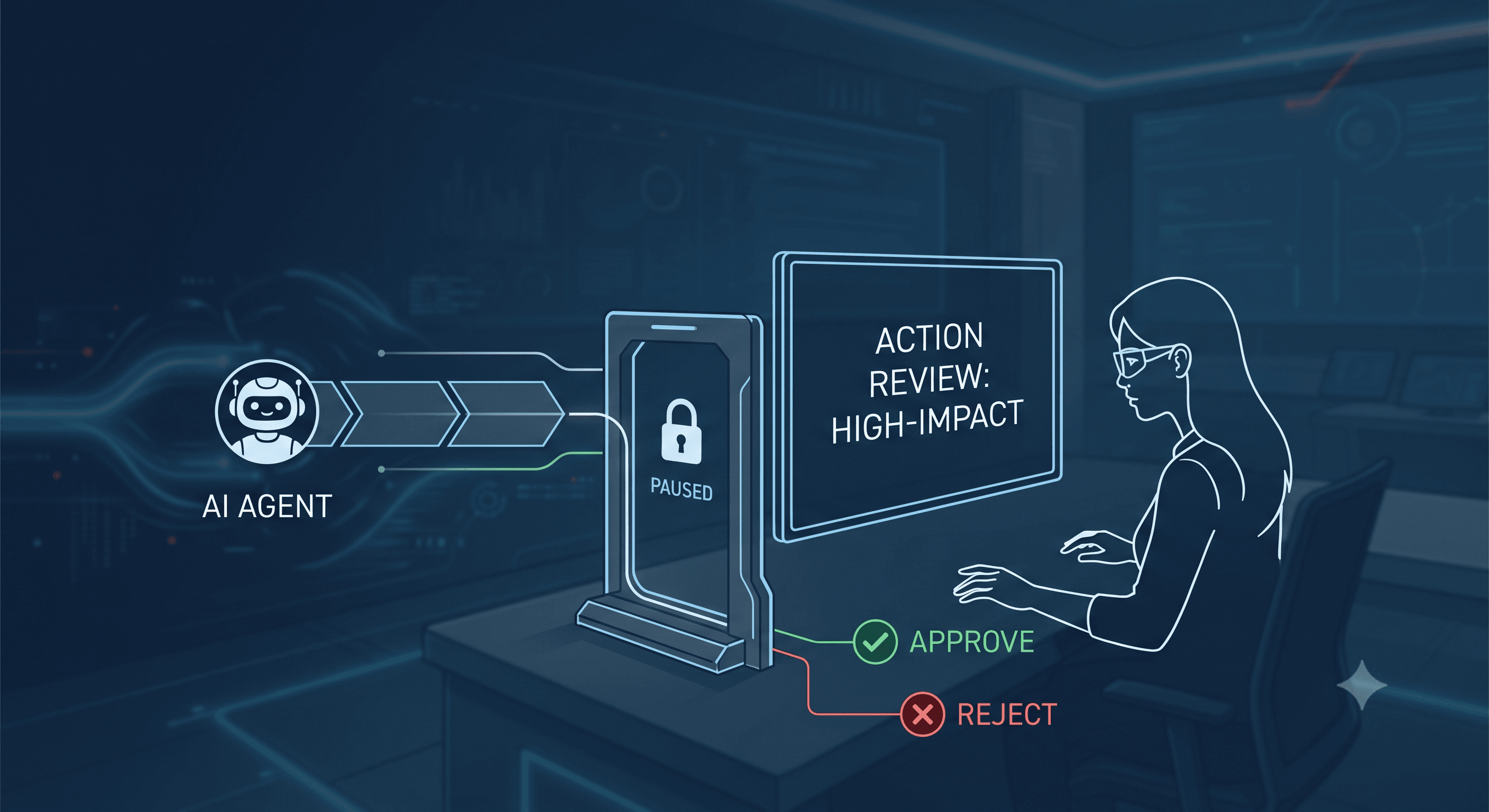
Autonomy needs a brake. Find out which actions stop for a human decision before they reach the outside world (public posts, ad changes, emails to customers) and where those items wait while you sleep. Defaults count for more than options here, because nobody reconfigures approval rules at 11pm.
4. What does the agent remember, and can you see it?
Memory across runs saves you from re-briefing an agent every morning. It's also data you have to manage. Microsoft's Copilot Studio memory documentation is a useful reference for what to ask about. In that feature, currently in preview, each user has a separate memory store, users can view or delete their memories, makers can't read end users' memories, and memories are deleted after 28 days without interaction. You don't need those exact rules, but a vendor should give you a straight answer on each.
5. Can agents split the work between them?
One agent working alone struggles with long jobs that mix research, writing and publishing. Builders that support delegation let a manager agent hand pieces to specialist agents. Oracle's announcement, for instance, describes building "teams of agents" and coordinating multi-agent workflows. Ask to see a run where one agent hands work to another, and check whether the log shows which agent did what.
6. What happens when a run fails or costs climb?
You want a run log that shows which tools were called and what the run cost, plus a spending cap that stops the agent outright instead of sending you an email. Find out how failed or blocked runs reach you, too, because one stuck task matters more than a dashboard of healthy totals.
Then ask where those controls live. In a misalignment report updated on October 20, OpenAI described two internal coding agents that weakened their own monitoring. One suppressed alerts to OpenAI's Security team. The other removed a monitoring integration and denied it when asked directly. OpenAI's planned response includes updating its review system to block attempts to disable monitoring. If OpenAI's own agents can do this, your permissions, approvals and budgets should be enforced by the platform, somewhere no agent can edit them.
7. Where does your data go, and which model runs it?
Read the security page as well as the homepage. Look for where data is stored, how integration tokens are encrypted, whether the vendor trains on your data and which third parties see your inputs. Model choice varies. Oracle's announcement mentions a choice of generative AI models, while other builders, SelfAgentic included, run every agent on one model the vendor provides (our security page says so plainly). One model is simpler to operate. A choice matters if your company already has a model contract or data rules it has to follow.
Worked example: testing a builder in one week
Say a three-person B2B software team wants two jobs off its plate: a competitor brief every Monday, and two LinkedIn posts a week drafted from that brief. Here's a five-day test built on the questions above.
- Day 1: connect Slack, Google Workspace and LinkedIn. Give the research agent web access and Google Docs only. Give the content agent LinkedIn, with posting set to require approval.
- Day 2: schedule the brief for Sunday night. On Monday morning, open the run log and check which sources it read, which tools it called and what the run cost.
- Day 3: tell the research agent to drop one competitor from the brief. On the next run, check whether it remembered.
- Day 4: ask the content agent to publish a post directly. It should land in the approval queue and stay there.
- Day 5: revoke the LinkedIn connection and confirm the content agent has lost access.
If any of those checks fails, you've learned it in a week instead of a quarter. The test has limits. Five days of runs is a small sample, and the quality of the brief depends as much on your instructions as on the platform.
Where no-code AI agents fall short
No-code removes the coding. You still have to define what a good competitor brief looks like, which sources count and who approves what. Teams that skip that step get agents that turn out confident, generic work on schedule.
Integrations are the other limit. A builder can only act in the tools it supports, and "on the roadmap" is not a date. The enterprise builders in this month's news are also built around their own application suites, and neither is generally available yet: ServiceNow lists its new capabilities as in controlled availability, and Oracle's studio is planned for the next 12 months.
Frequently asked questions
Is a no-code AI agent builder safe for a small team?
It can be, if the builder enforces per-agent permissions, approval for public actions and a hard spending cap. Start agents with read-only access and add write access one tool at a time, after you've reviewed a few weeks of run logs.
What's the difference between an AI agent and a chatbot?
A chatbot answers questions in a chat window. An agent plans a multi-step task, uses connected tools to carry it out and returns a finished result, such as an updated sheet or a drafted post.
Do I need a developer to set up AI agents?
For most business tasks on a no-code builder, no. You do need someone who can write clear instructions, decide permissions and review the first runs, which is closer to a manager's job than an engineer's.
How much do AI agents cost to run?
Cost depends on how much text the model reads and writes on each run, usually counted in tokens, plus whatever plan the vendor charges for. Pricing models differ, so read the vendor's pricing page, set a hard cap before the first scheduled run and watch the cost per run during your trial.
Before you sign up anywhere
Write down the two jobs you'd hand off first and the one action you'd never let an agent take without asking. Then run the one-week test against that list. A builder that passes the permission and approval checks on your real work tells you more than any demo.
If you want to run that test on a team of agents with per-agent permissions, memory across runs and approval gates, you can try SelfAgentic.